Amplifying Analog Voltages with the LM358
05.03.2025
Elektronik | Funk | Software
Der Technik-Blog
05.03.2025

25.02.2025
25.02.2025
12.02.2025
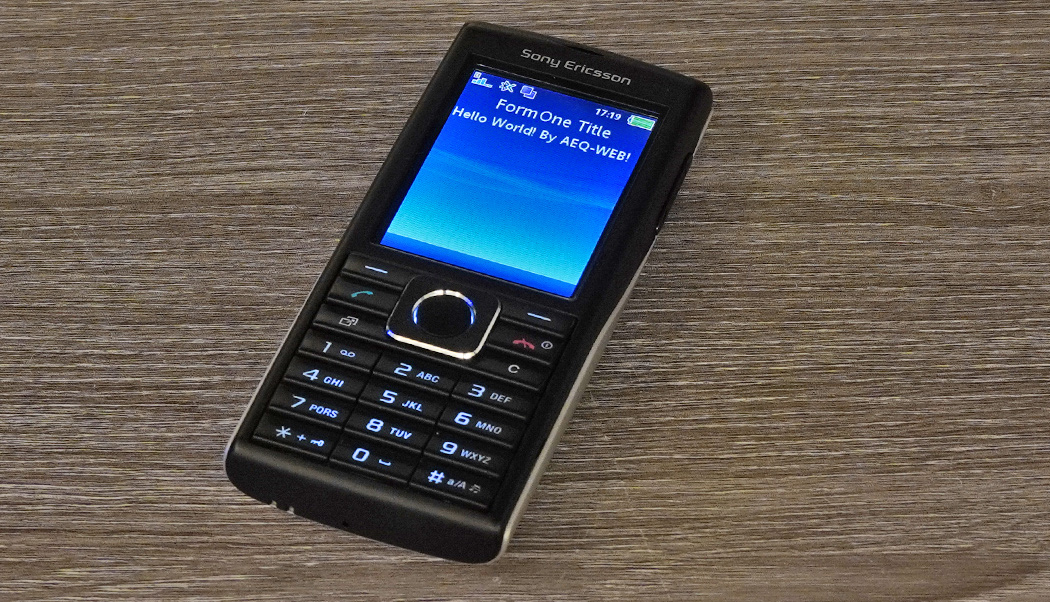
This article is part of the J2ME Apps article and contains the instructions for installing the J2ME MIDlet Wireless Toolkit (WTK).
Caution: Some desktop applications used in this article are no longer under development and may therefore be incompatible with newer operating systems and contain security vulnerabilities. Installation on productive systems is not recommended!
The J2SE Kit contains the Java SE 5.0, which is necessary for the WTC (Wireless Toolkit). This is a very old version, but it or a "slightly newer" one must be installed for WTC to work. With a current Java SE version, there was some problems installing WTC under Windows 10. Older Java SE versions can be downloaded from the Java Archive after registering with Oracle.
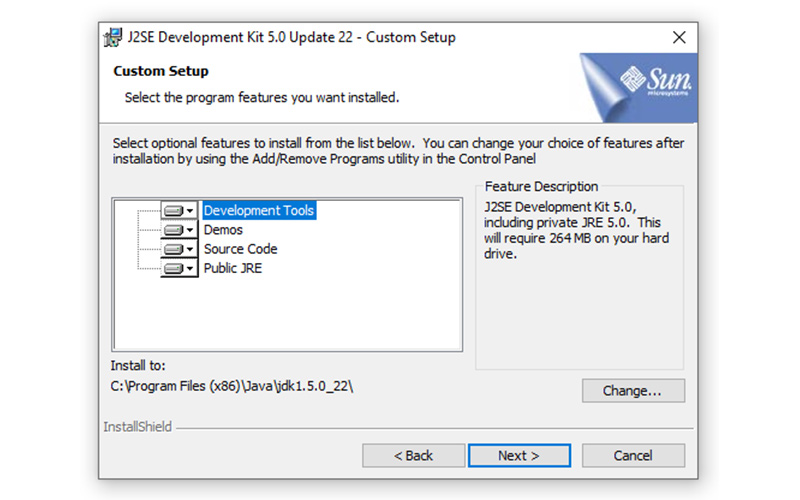
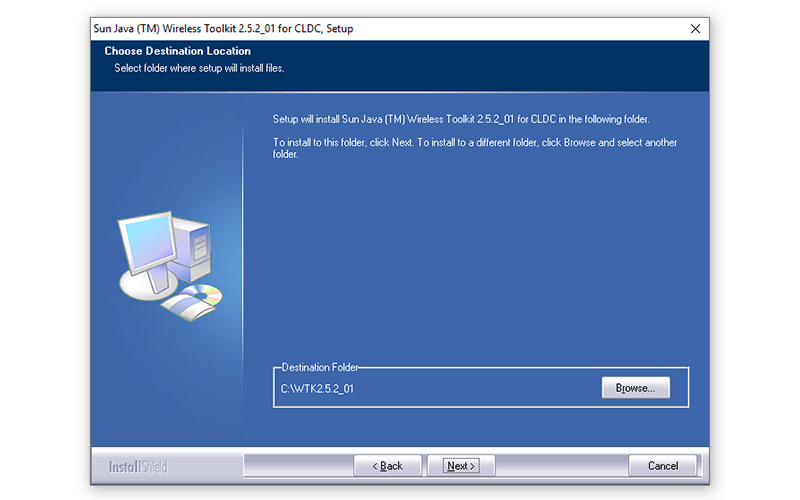
The Java Wireless Toolkit (WTK) is needed to compile Java code. Additionally, the WTK has some simulators where the programmed app can be executed and tested. In addition, this tool is also suitable for testing apps with different screen sizes. The CLDC Wireless Toolkit is also available on Oracles website. During the installation of WTC, the path to the J2SE Development Kit must be specified:
More information about app development with WTK and Java can be found in this article: App Development in the 2000s

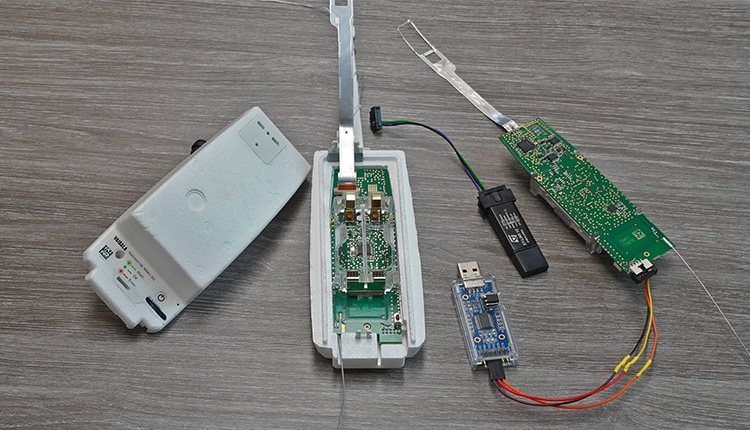
Every day hundreds of meteorological radiosondes fall from the sky. In this article we convert a radiosonde into a GPS tracker for APRS, RTTY & CW
read more
Apps for mobile devices existed already before iOS & Android. In this article we look back at J2ME Micro Java app development in the 2000s.
read more
05.03.2025
25.02.2025
25.02.2025
12.02.2025

AEQ-WEB ist ein Blog von Alex & Andi, der sich mit Elektronik, Funk & Software beschäftigt
read moreAEQ-WEB © 2015-2026 All Right Reserved